Syntax 3.0
Thoughts about digital, all opinions are my own
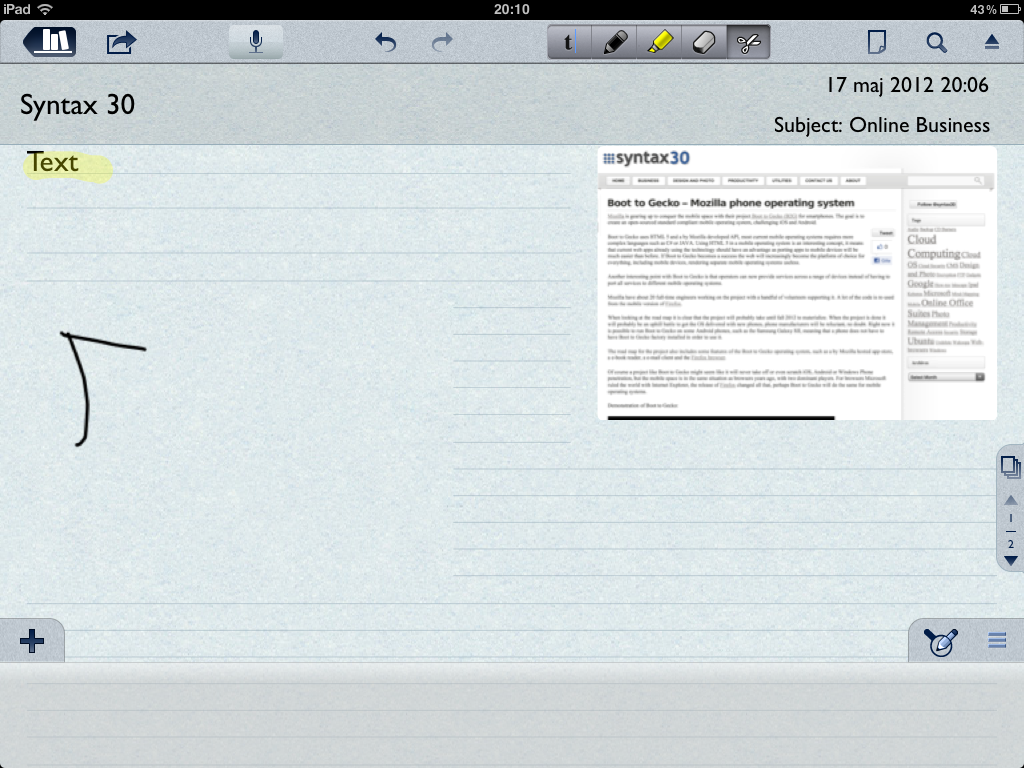
Notability an app by GingerLabs adds a lot of note functionality to the Ipad not that common in other apps. First of all the app has handwriting recognition, which means that it is entirely possible to use a for the Ipad to take notes, or use your fingers. Using a pen makes the note-taking process much easier than using the keyboard, but using just your fingers is a cumbersome and slow process. I tried it for a while but eventually gave up and bought a capacitive stylus.
Another problem with the handwriting recognition in Notability is the fact that you can’t re-size the letters after writing, other similar apps for the Ipad have this feature.
Notability also has the original Ipad software keyboard functionality as well as recording. Using the word processing functionality is very similar to QuickOffice; there are some basic functionality such as styling, outlining and a spell-checker. The recording feature is actually something that you will use a lot when in meetings, seminars or in lectures, each recording is linked to a note. For example at a seminar you will have both your own notes as well as the voice recordings, which is very neat.
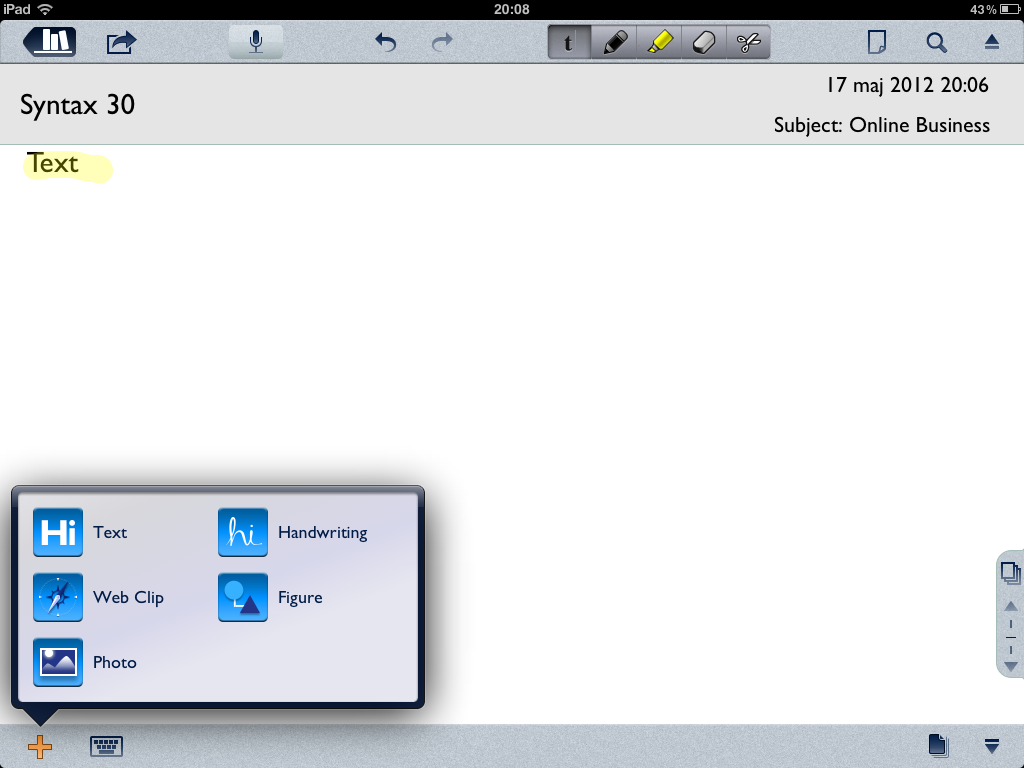
Using the Ipad camera it’s possible to insert images into your notes, and other objects such as web clippings and drawings. A weird thing with Notability is that it isn’t possible to erase lines in drawings, hopefully it will be fixed, but it is a bit awkward to redo drawings when it is impossible to erase parts of them. Features that are included are the usual cut and paste options and highlighting words and paragraphs.
An interesting feature in Notability the possibility to import PDF-files and annotate them. This works very well, the PDF shows up in a notebook and it’s possible to add notes and highlights in and around the PDF. On an older Ipad (1 generation) this feature is a bit slow, however it’s still a very useful feature, saving a lot of paper and weight.
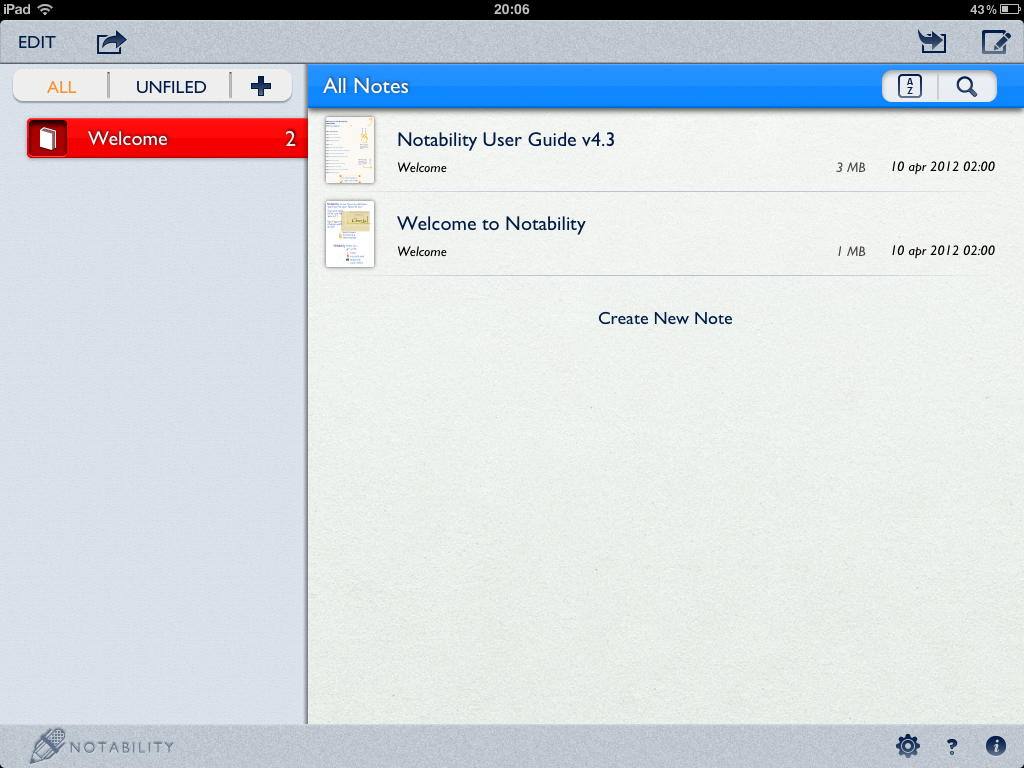
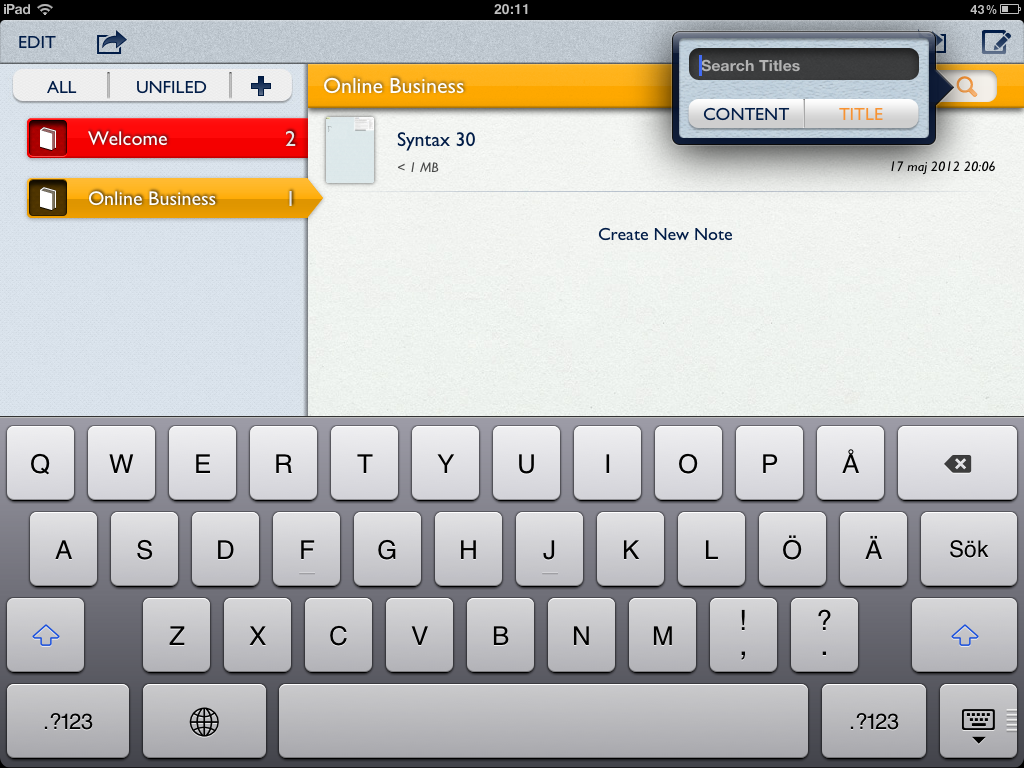
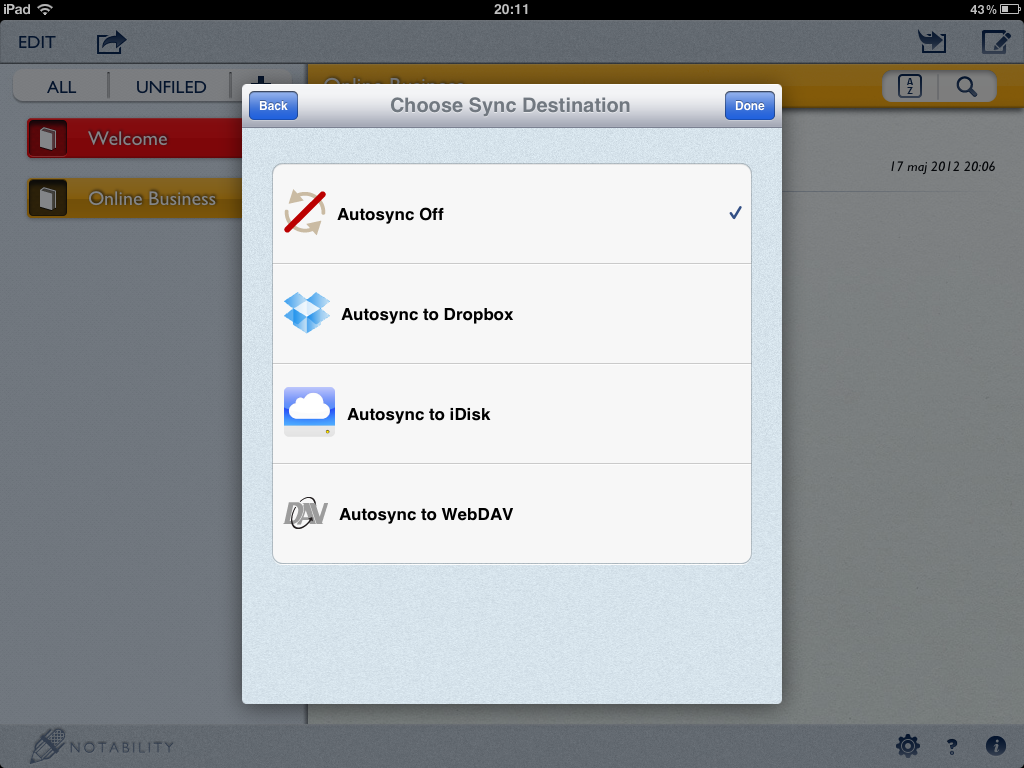
In Notability it is possible to create an unlimited number of notebooks with notes on different subjects, organizing them is done using a drag and drop interface, which is straight-forward. Notebooks and notes can also be password protected and synced with services such as Dropbox, iDisk or WebDAV.
Notability is a neat app, many of the features should have been included with the Ipad from the very beginning, however Notability has great value with lots of features on the cheap. It is definitely one of the best note-taking application for the Ipad, it is also faster and less complex than the main competitor, Evernote.
There are advantages of doing mind-maps on the computer instead of using whiteboards or pencil and paper. It’s easier to keep structured, you never run out of room and it’s possible to link images and other objects.
While there are loads of proprietary software out there just for mind-mapping (MindManager, SmartDraw to name a few) there are few open-source or free alternatives. FreeMind is perhaps the most well known alternative.
The software is written in JAVA, which means excellent portability across platforms. FreeMind runs in any Java environment but most notable Windows, Linux and MAC OS. FreeMind is released under the GNU Public License (GPL).
My first experience with FreeMind was very confusing, the program interface actually resembles a 90s version of Micrografx Graph (those were the days). After a couple of minutes the interface feels less awkward and three days later it almost feels like a part of you.
Click the yellow light-bulb to add sub-topics to your main subject, FreeMind dubs it ”Child Note”.To change the text of something just click it and write. Out to the left there are a bunch of icons that can be used in connection with each note. For example if you want to set priorities use the stylish 1-5 icons. However I don’t get why there is a Linux penguin but not a plus-sign in there.
In FreeMind you can also create links to other objects (websites, files you name it) and insert pictures. A more powerful feature is the planning tools that aren’t directly visible, such as the calendar where you can set reminders. FreeMind can generate a schedule of all the events and reminders, which actually makes it possible to create plans directly from a mind-map.
FreeMind has a pretty active community behind it supporting the software and adding plug-ins. For example it’s possible to download a plug-in that connects FreeMind to MS Project, any project manager’s dream. There are also plug-ins that interacts with content management systems, such as Drupal or MediaWiki.
The program also has excellent export features; you can export as PDF (not even Microsoft Visio 2007 has that functionality built-in), PNG, SVG among other formats. It’s even possible to create HTML mind-maps, which makes FreeMind a great tool for web or Intranet use.
At first glance FreeMind doesn’t look like much, but it really has great functionality and features in there. The graphics are a bit dated, but it doesn’t matter because FreeMind is good at what it was originally designed to do.

By continuing to use the site, you agree to the use of cookies. more information
The cookie settings on this website are set to "allow cookies" to give you the best browsing experience possible. If you continue to use this website without changing your cookie settings or you click "Accept" below then you are consenting to this.