Online backup and storage is something we are growing increasingly used to, gone are the days using tape backup and external hard-drives. There are still few services that are focused entirely on backup instead of just storage and portability of files (read our other post for additional cloud storage options), Carbonite is however one of them (the name Carbonite comes from the substance used to freeze Han Solo in Star Wars the Empire Strikes Back).

Carbonite entered the market back in 2006 but has become more popular as bandwidth speeds are increasing; it is one of a few backup solutions that offer unlimited transfer of files and storage. Most other backup solutions such as JungleDisk connected to Amazon S3 charge by the amount of data stored. Carbonite is of course most affordable for people or businesses with large amounts of data; however it is not the amount of data that makes a backup valuable. A lot of users have the need for a simple off site backup solution.
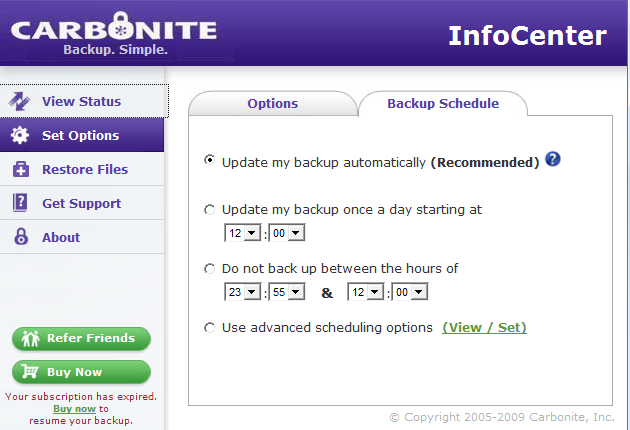
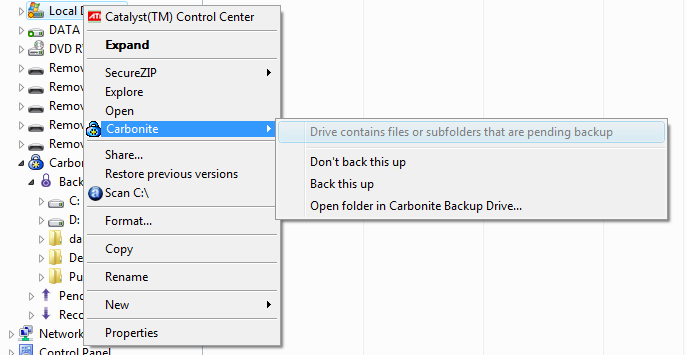
Yes Carbonite is very simple to setup and use, you download and install a client from the Carbonite website when creating an account. When installing the client you can select to backup your whole drive or specific folders of your choice. The first backup obviously takes a lot of time since all the data have to be uploaded to the Carbonite web-drive. However when it is done Carbonite automatically syncs modified or added files quite quickly.
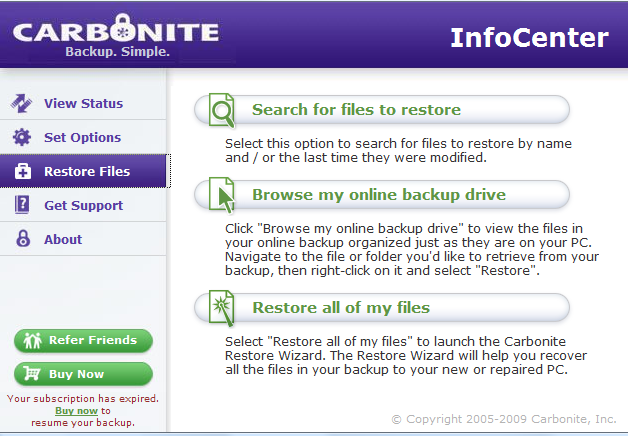
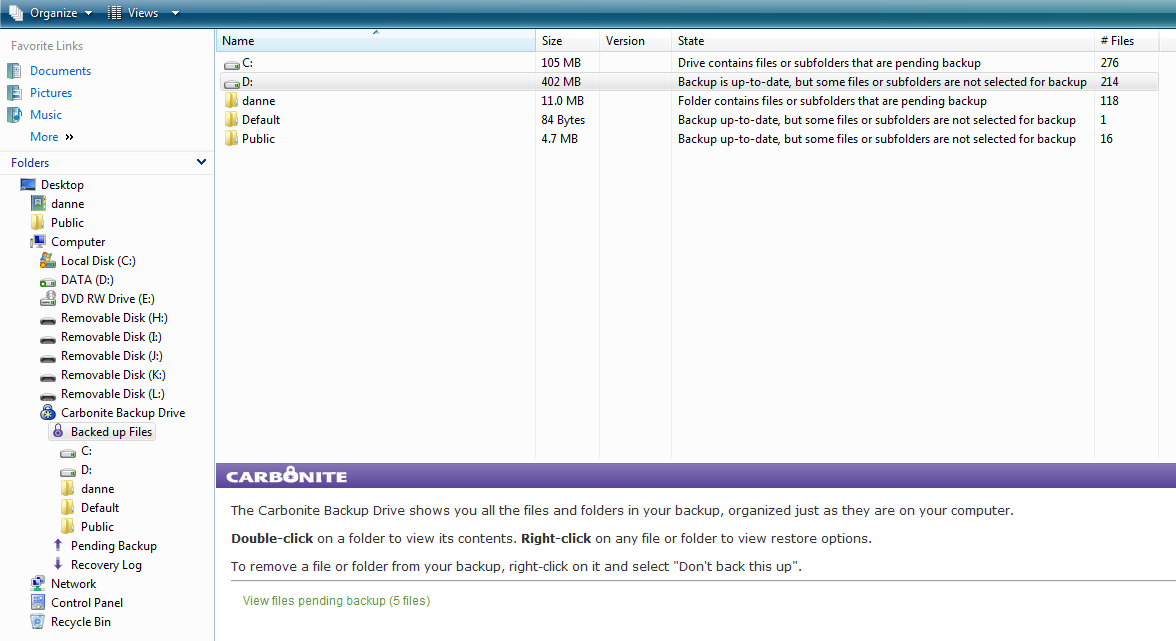
Restoring files is easy, it is possible to restore individual files but also a whole drive if a hard drive crashes. If you decide that you want to access your files from another computer there is also a web-interface.
Putting data in the cloud is both a blessing and a curse, it provides an offsite backup if something happens but it also exposes your data to the outside world. Carbonite has a pretty good security solution, the data-transfer between your computer and Carbonite is secure using a key. Carbonite themselves claim to encrypt your data twice, whatever that means. They also claim that they use the same security procedures as banks. A problem with Carbonite’s security is that their Terms of Service says "Carbonite may have the ability to decrypt your data files", but says that they will only do so in order to troubleshoot or comply with a law. This basically means that Carbonite have the encryption key for your files and can in some cases use it. So if you are storing information that is classified or something similar it might be wise to choose something else (however classified information should not be in the cloud in the first place). For regular users I doubt that the fact that Carbonite have the ability to view data after a subpoena is that significant.
It was not that long ago this kind of backup solution used to cost a small fortune, Carbonite is however very affordable. For $54.95 a year you get unlimited backup. However the license is tied to one computer, if you want to backup several computers you will have to purchase additional licenses. Another limitation of Carbonite is that there is no Linux client, right now it works with Windows XP/Vista and MAC OS Tiger or Leopard, older versions of Windows is not supported either.
Carbonite is a great backup-solution and a good alternative to Amazon S3 based backup solutions for Windows and MAC users. It is light-weight and stays out of your way, it is also surprisingly affordable. However entities handling sensitive or classified information need to find a more secure solution.